Odaura
Odaura CloudMobile appIndustriesOdoo servicesPricingBook a demoStart free trial →
Mobile appConnected to Odoo

Your field team, on the same Odoo as the office.

Site engineers raise material requests from the BOQ. Technicians close job cards with the customer’s signature. Drivers sell and settle the van. Every employee checks in, applies for leave and opens their payslip — from one app.

How it behaves
One app, many jobsEach person sees only what their role and your apps cover.
The server decidesApprovals, limits and BOQ rules are enforced by Odoo on every write.
Stays signed inBack where you left off after a restart — no password every morning on site.
Location when it helpsGPS check-in against the site; a cold GPS never blocks a shift.
One app, three different mornings

The first screen is the work in front of you.

The same app opens differently for a site engineer, a technician and a driver — because Odoo already knows what each of them is responsible for.
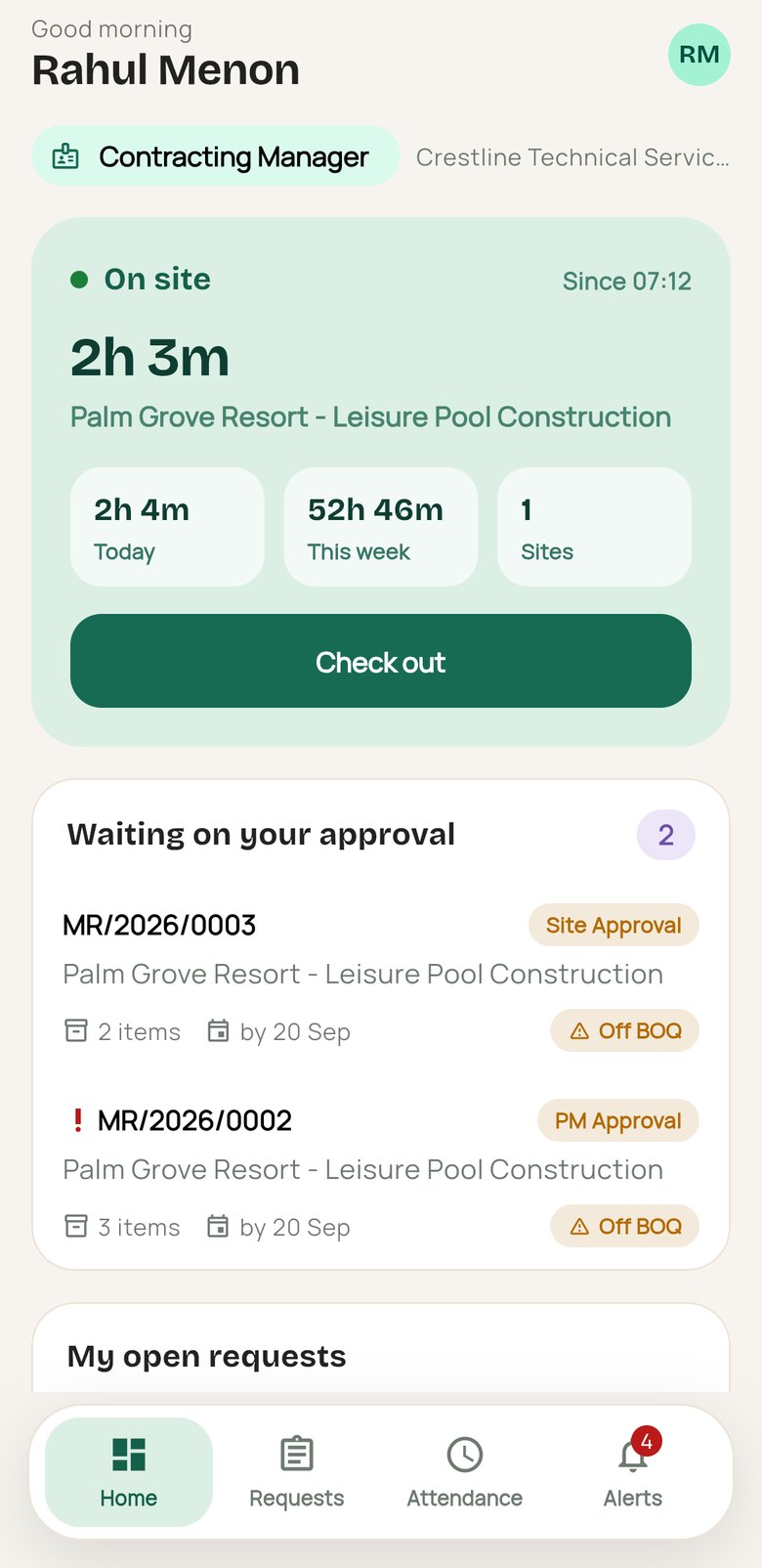
Odaura app home: checked in on site, material requests waiting for approval
Site engineer
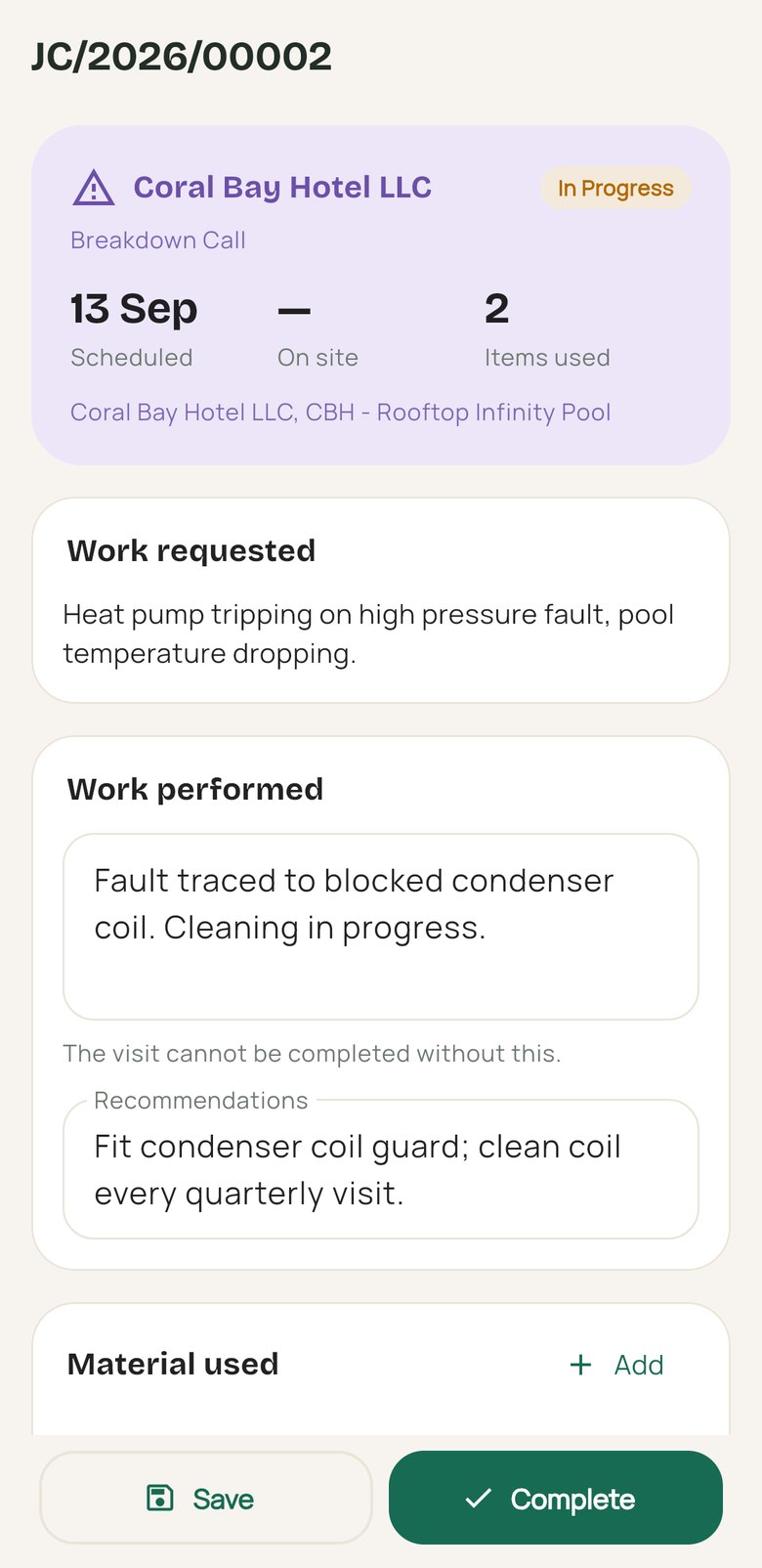
Odaura app job card: breakdown call with work performed and material used
Technician
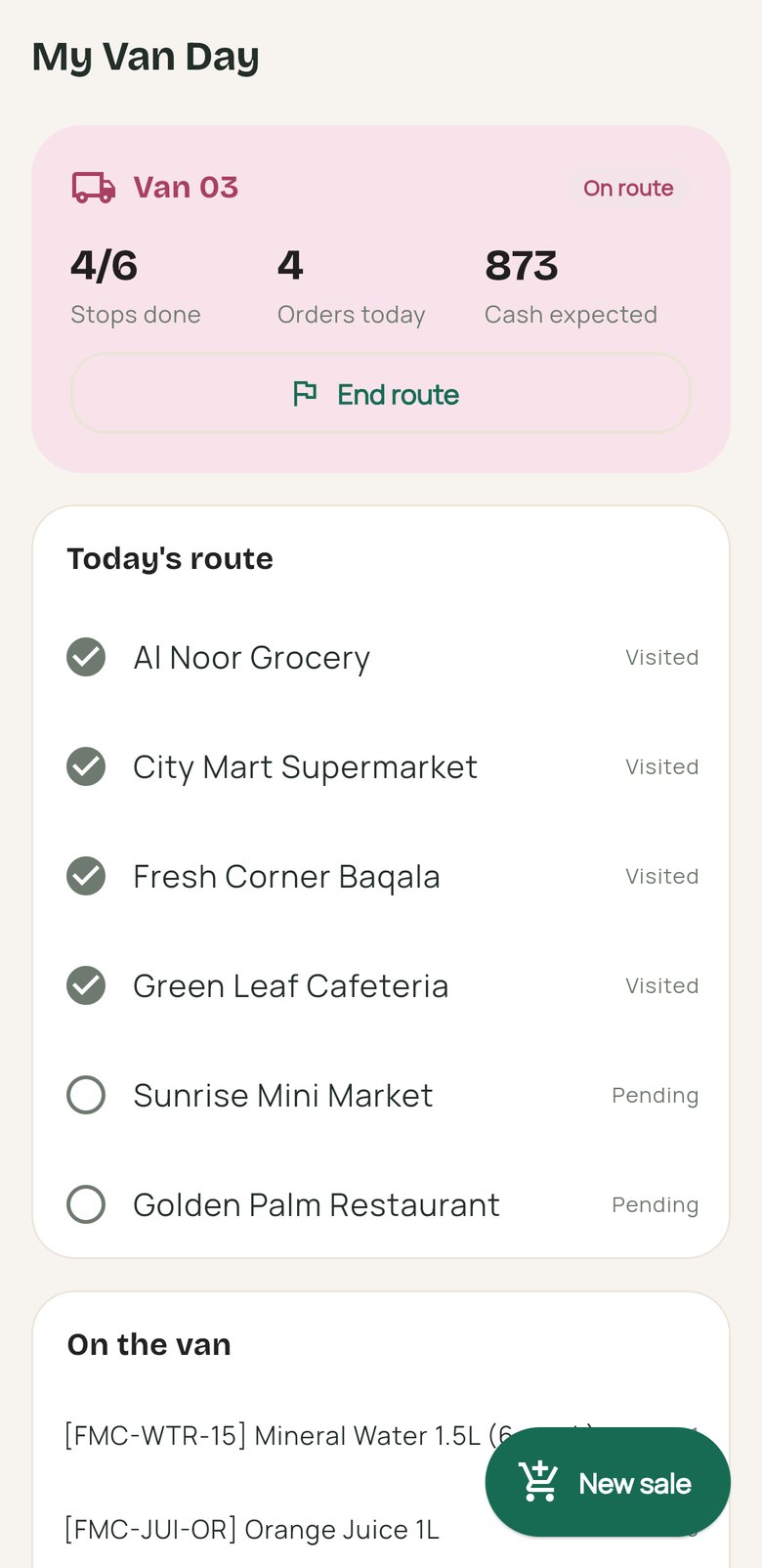
Odaura app van day: route stops visited, orders today and cash expected
Van driver
Screens from the app on a demo workspace. Names and figures are examples.
What’s in it

Five kinds of work, one app.

Every screen reads and writes the same Odoo records the office works in. The app holds no business rules of its own.

On site
Site engineers, project managers, procurement
With Contracting
Material requests
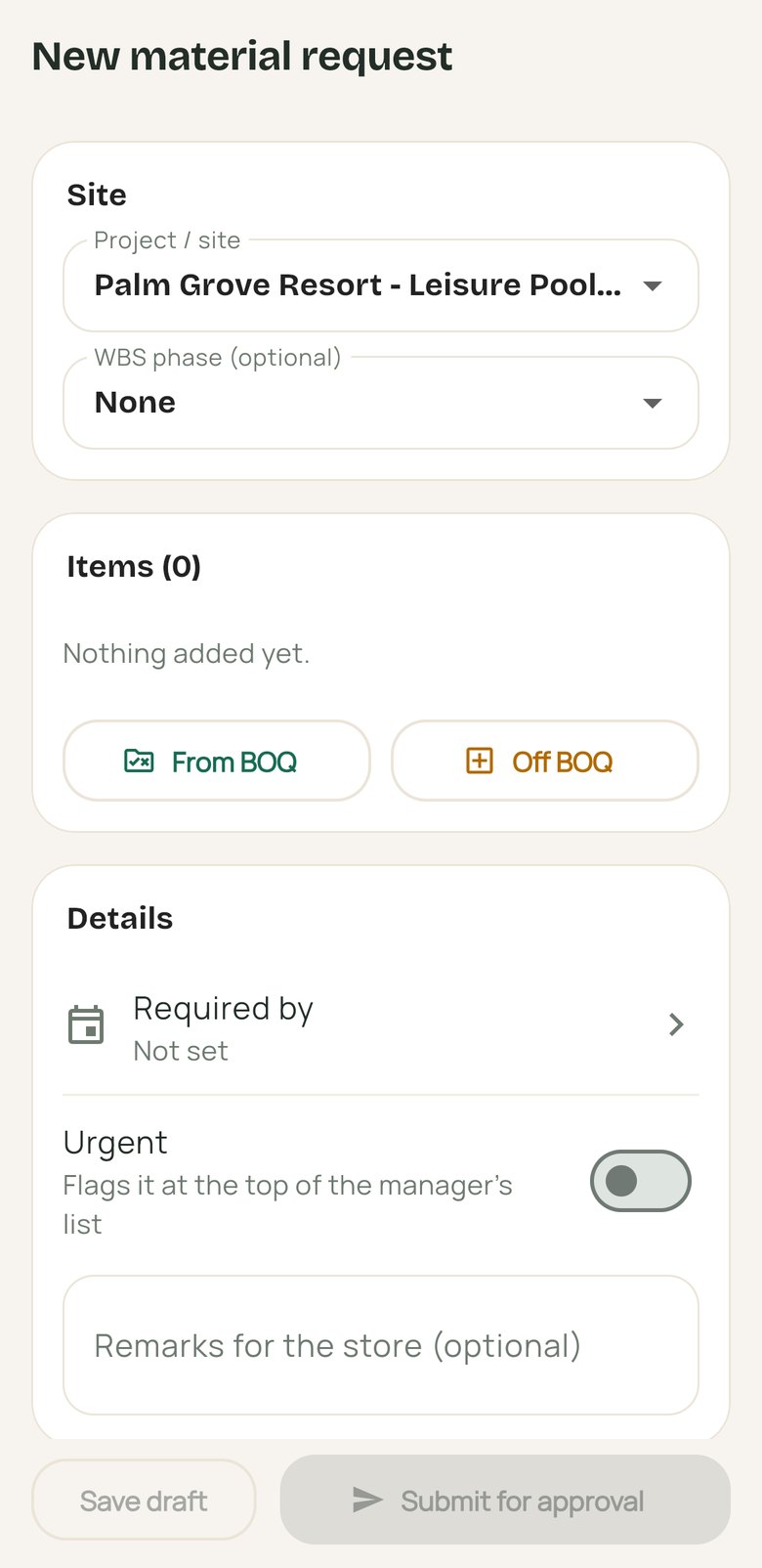
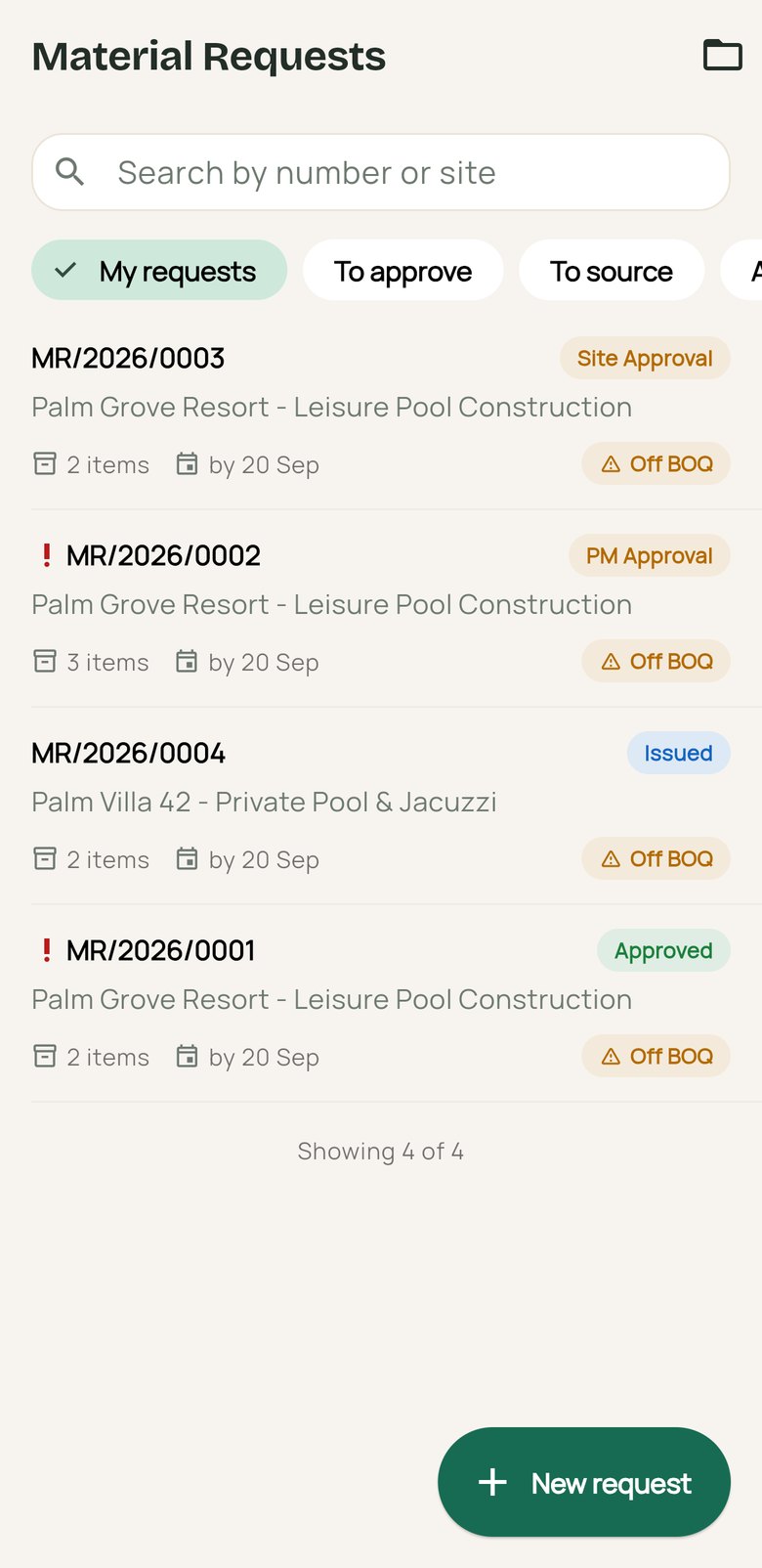
Raise from the approved BOQ, quantities defaulting to what is left. Off-BOQ items need a justification.
Approvals & sourcing
Mine, to approve, to source, all — with approvals, transfers and purchase orders on a timeline.
Site attendance
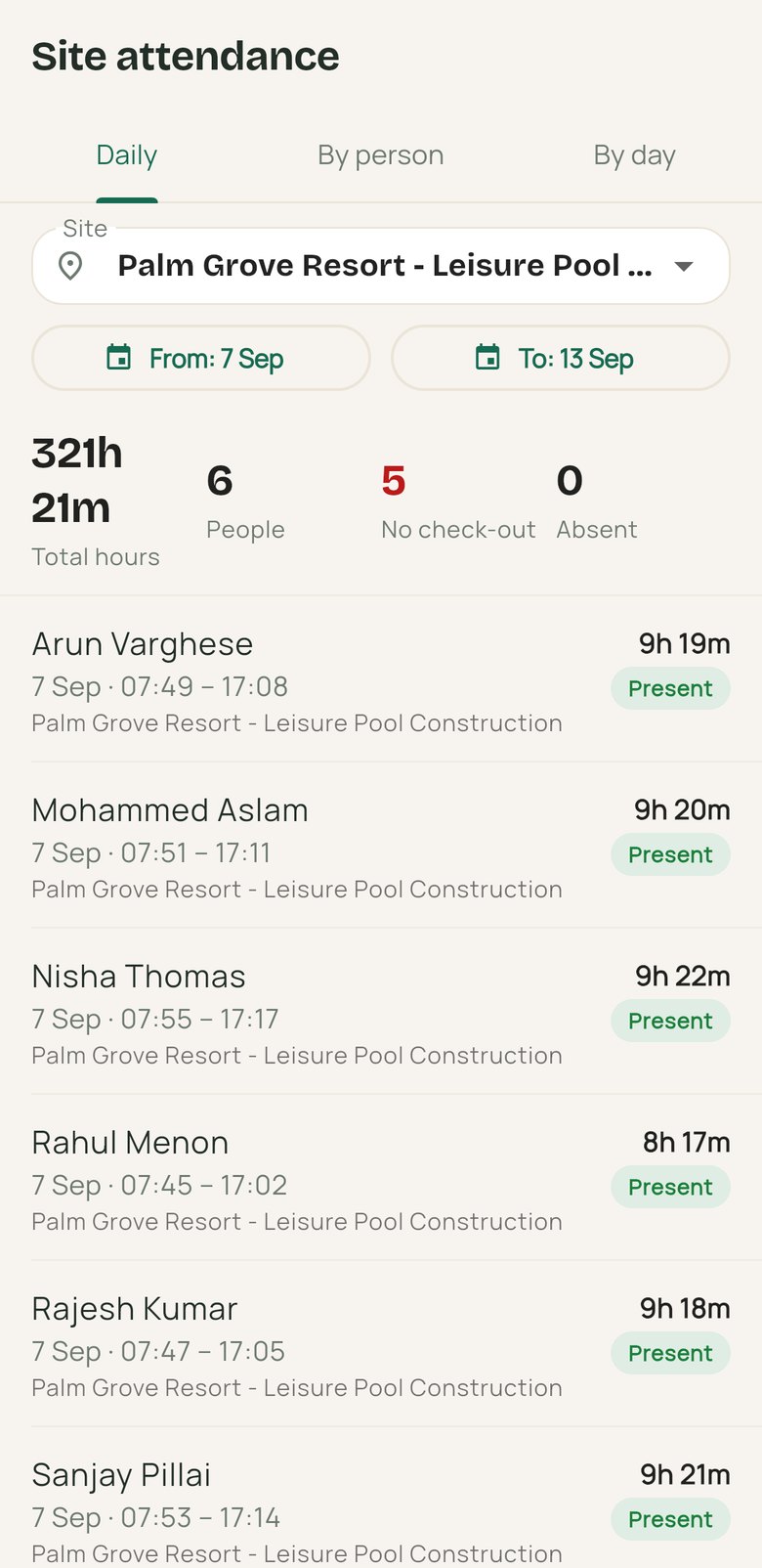
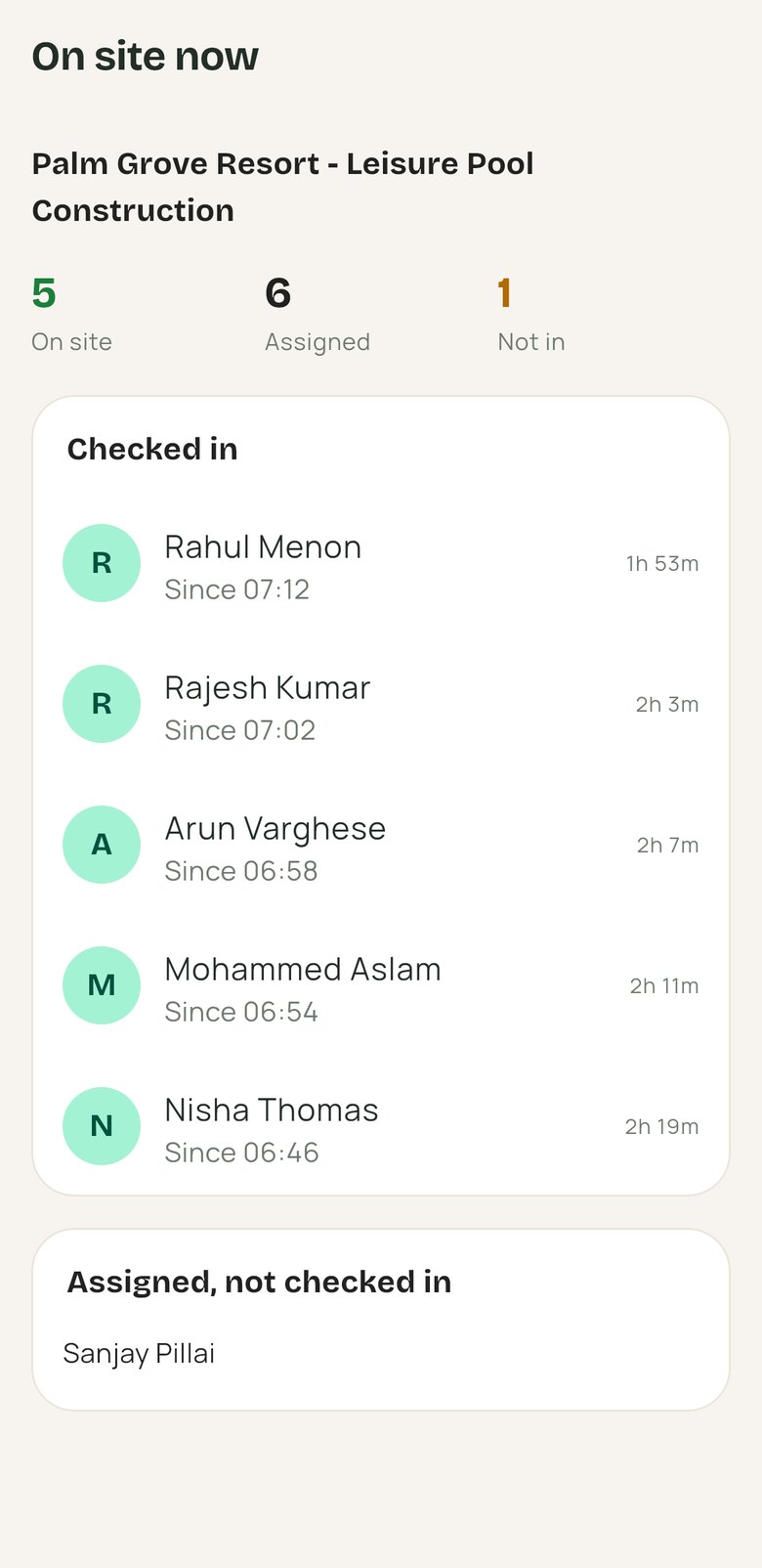
Daily rows per person, who is absent, and a live headcount of who is on site now.
Surveys
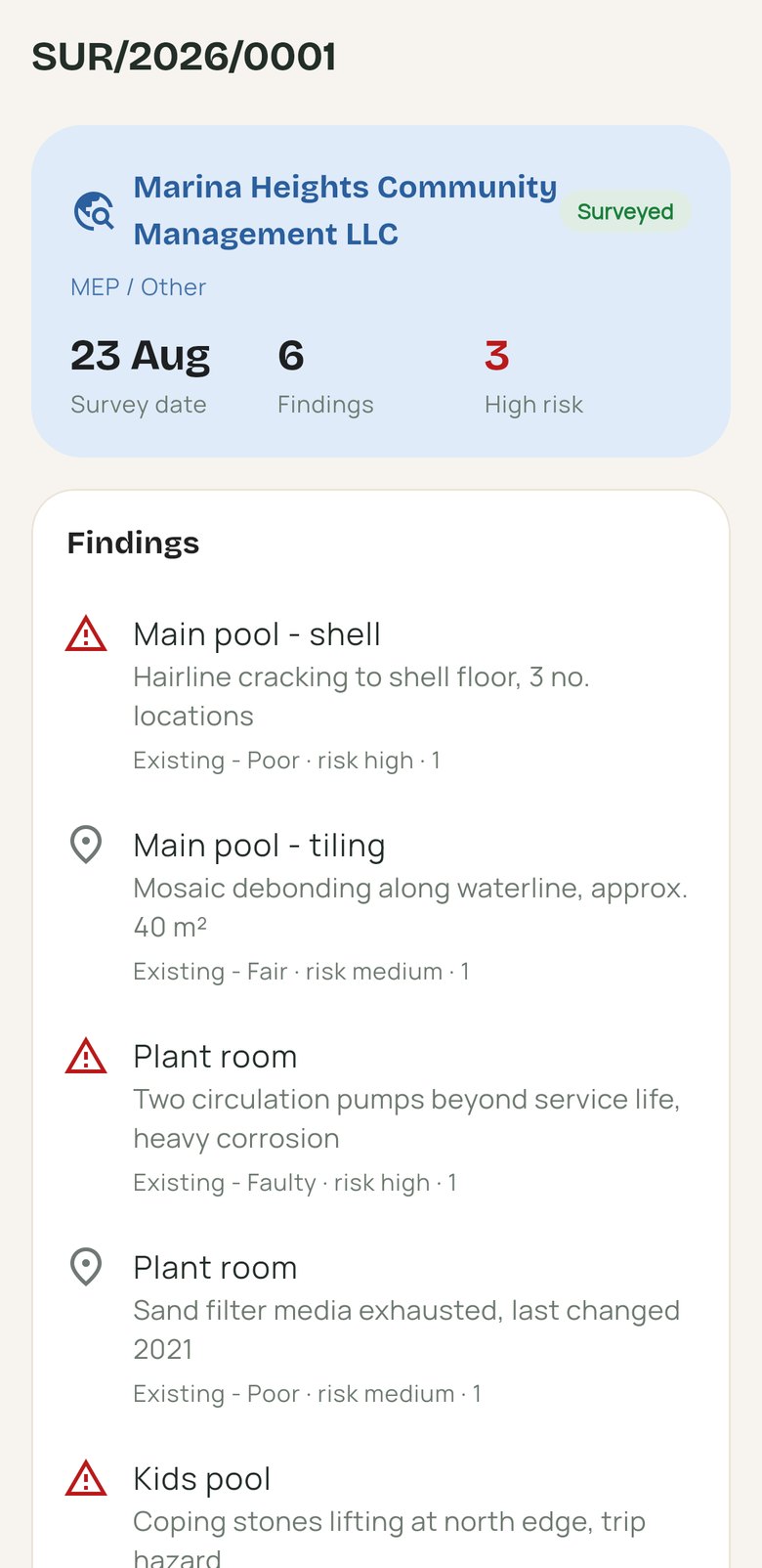
Findings area by area: scope, measured quantity, condition, risk and a photo.
Handover
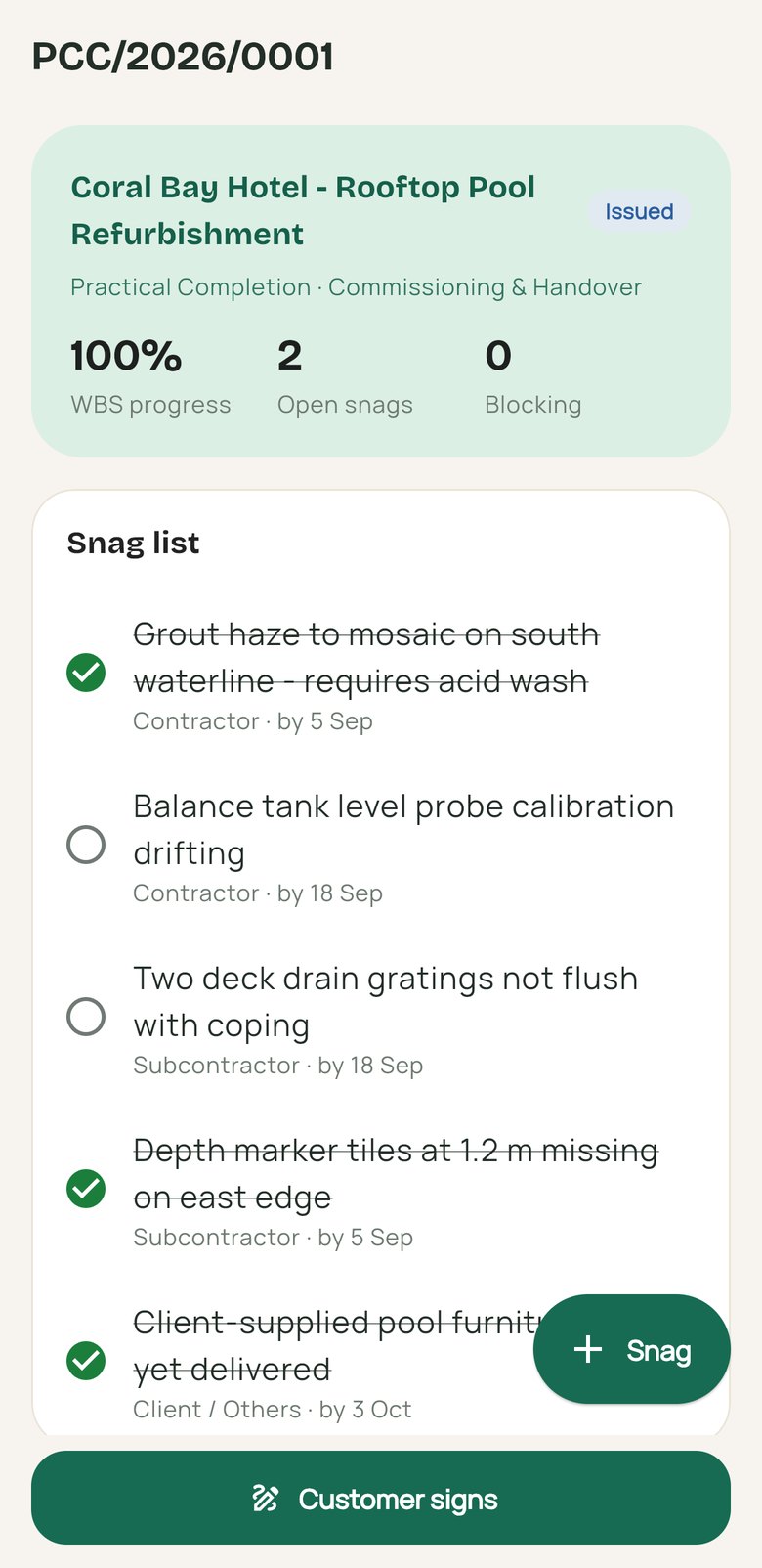
Snag lists with blocking items called out, and the customer’s signature.
Site progress
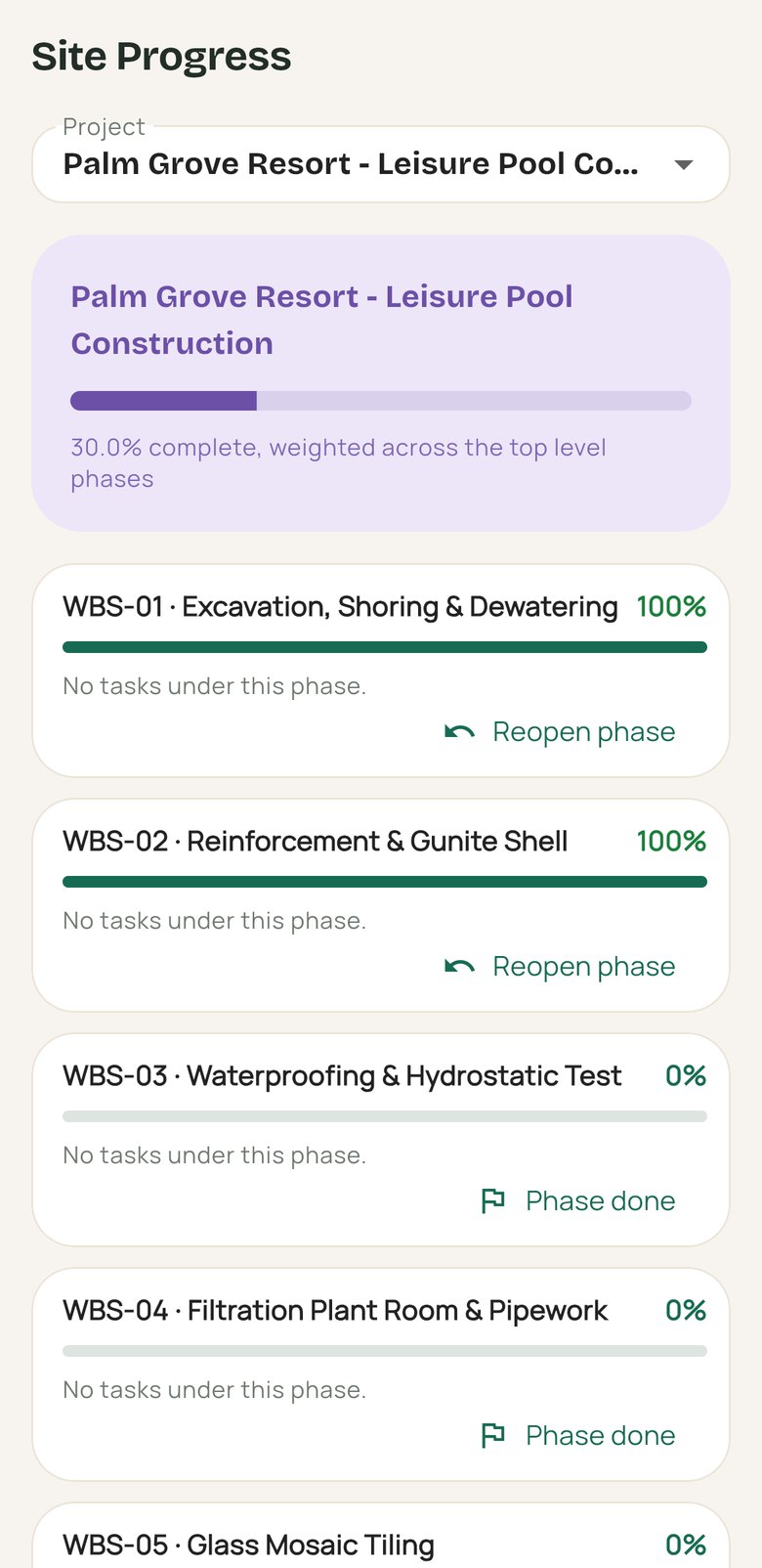
The WBS as an indented list, with task percentages updated from site.
Material request list with approval states and off-BOQ flags
Material requests
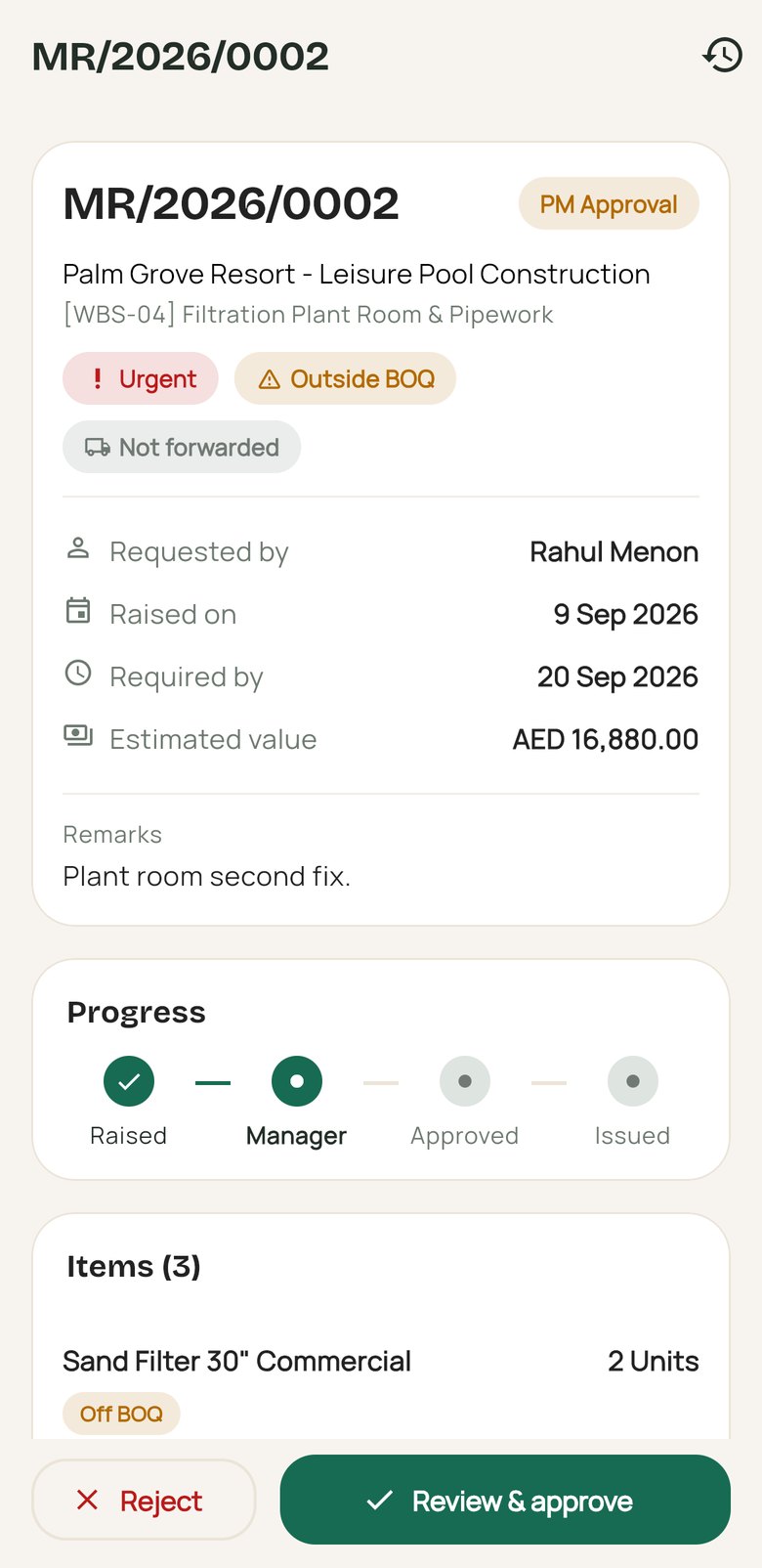
Material request waiting for manager approval, with progress and items
Request detail
New material request form with site, WBS phase and items from the BOQ
New request
Site attendance report with hours per person and absentees
Site attendance
Live list of who is checked in on site and who is not
On site now
Site survey findings area by area with condition and risk
Survey
Completion certificate with snag list and customer signature action
Handover
Project progress by WBS phase with percentages
Site progress

On a service call

Technicians, supervisors
With Contracting
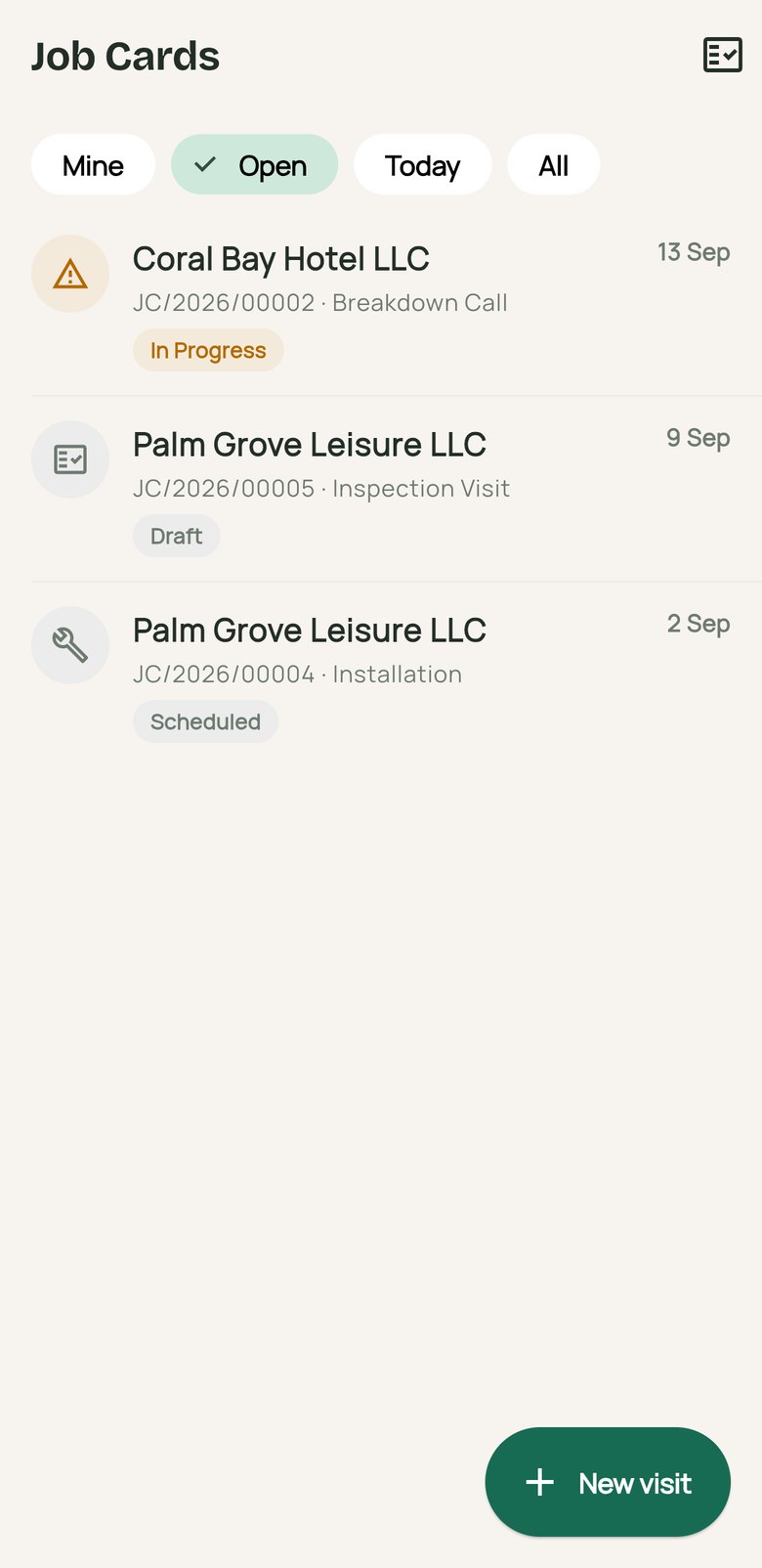
Job cards
Work requested and performed, material used, and the customer’s signature on the device.
New visit
Raise a breakdown or service call against a site, with the customer taken from it.
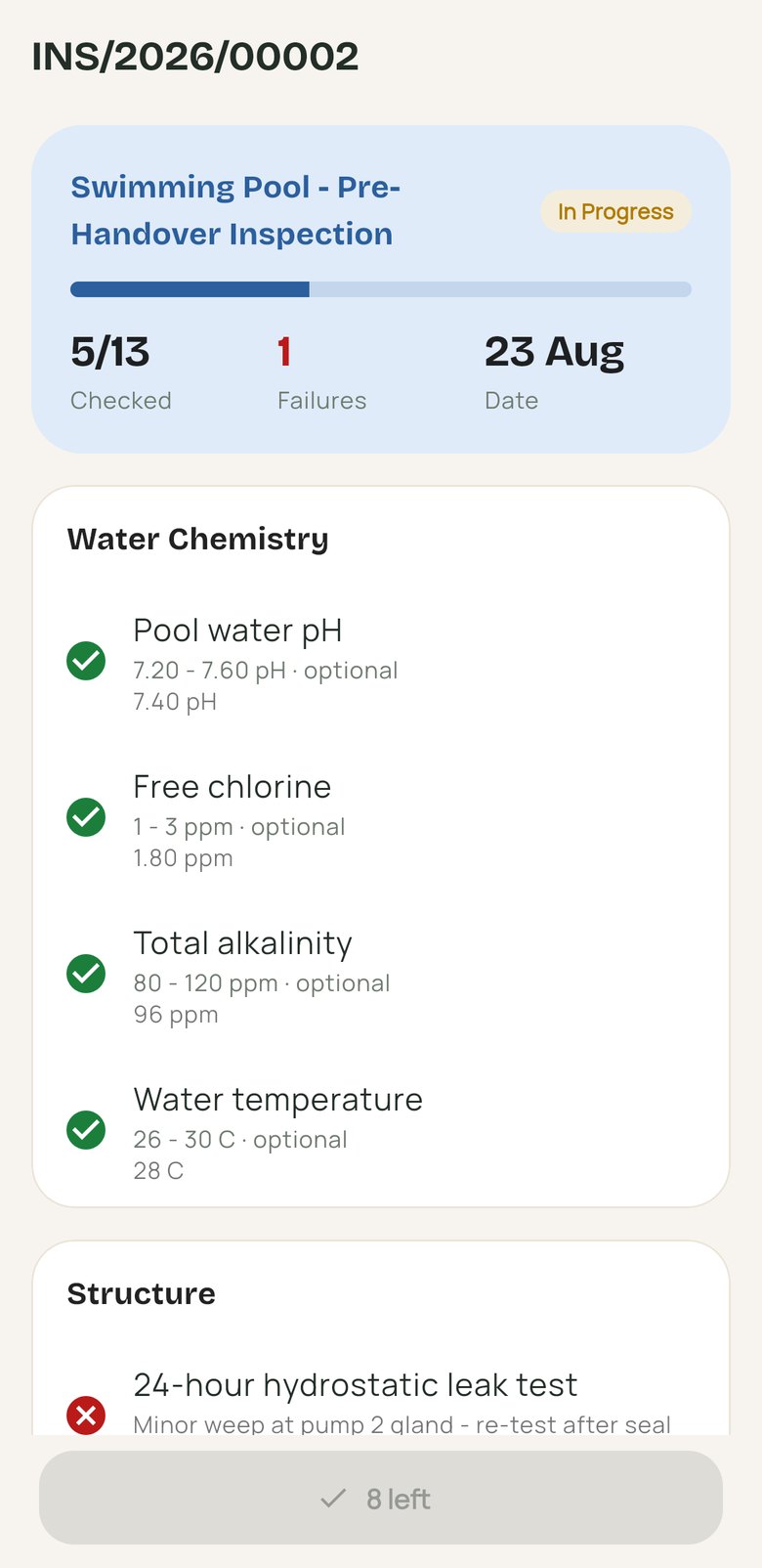
Inspections
Checklists item by item: pass or fail, measurements graded against tolerance, remarks and photos.
Open job cards with visit type, customer and state
Job cards
Inspection checklist in progress with measurements against tolerance
Inspection

On the route

Van drivers, route supervisors
With Van Sales
Van day
The driver’s shift on one screen: what is loaded, what is sold, what is left.
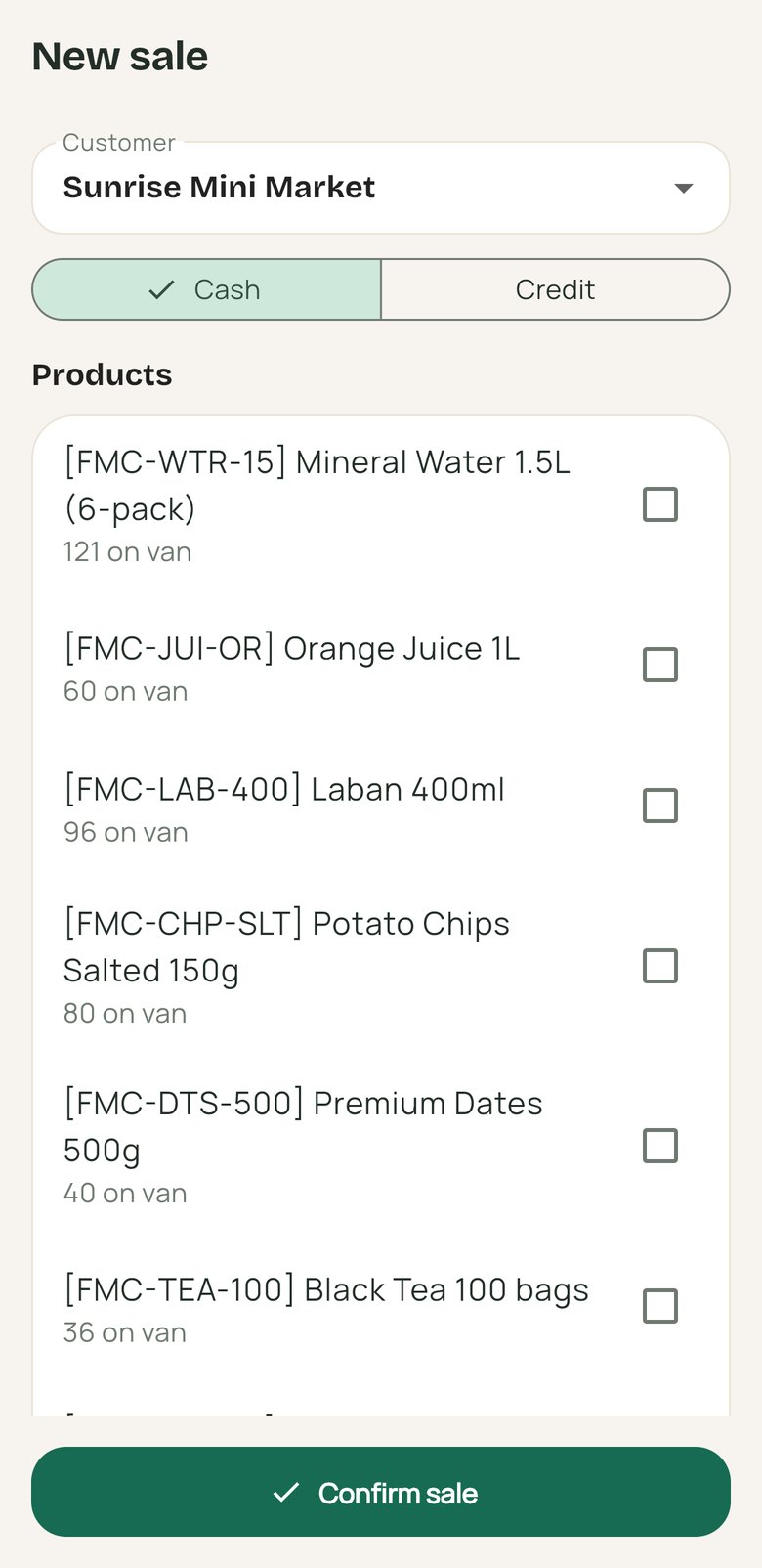
Sales
Cash or credit orders at each stop, against the stock on the van.
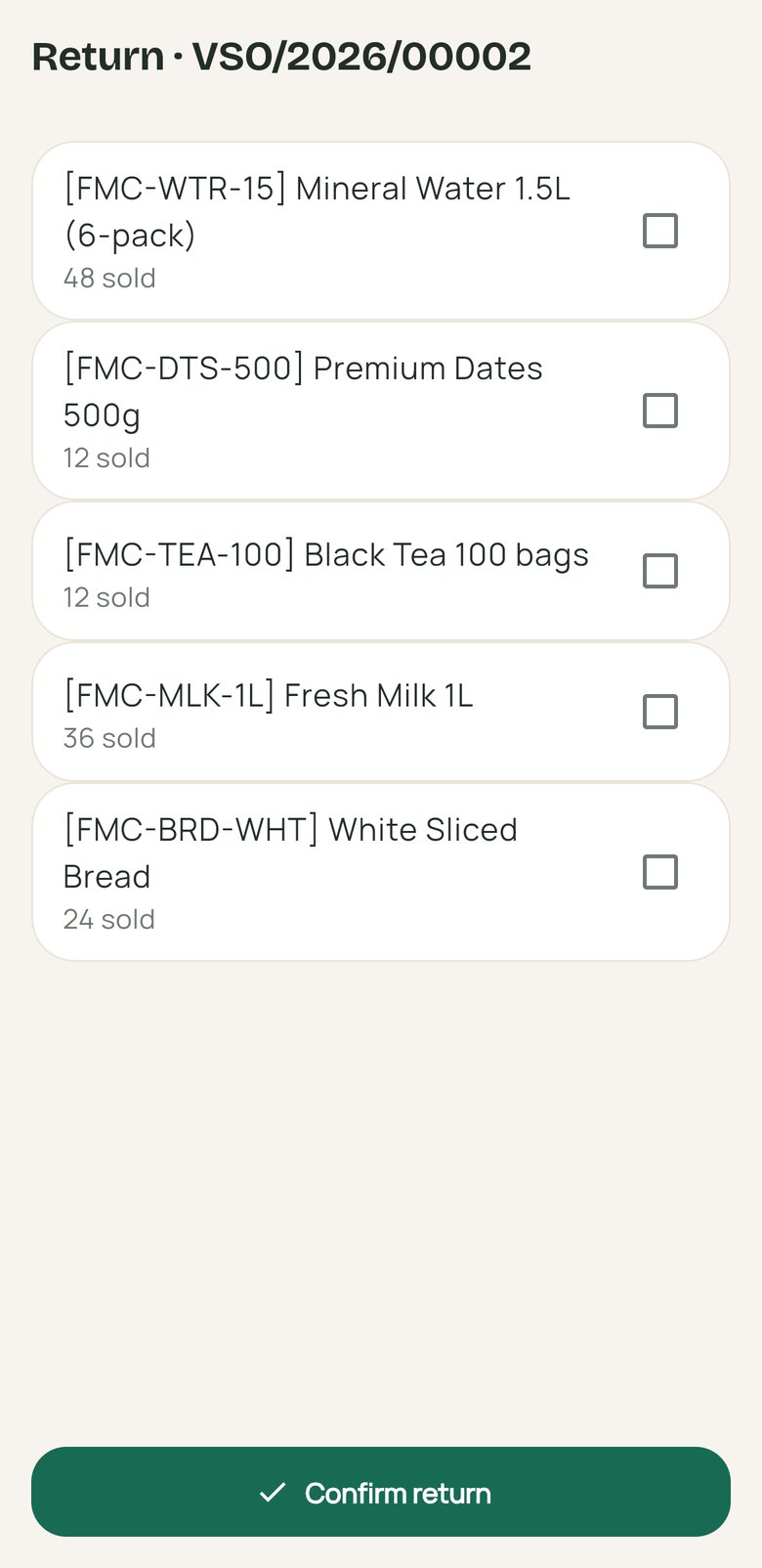
Returns
Goods taken back onto the van at the customer’s door.
Settlement
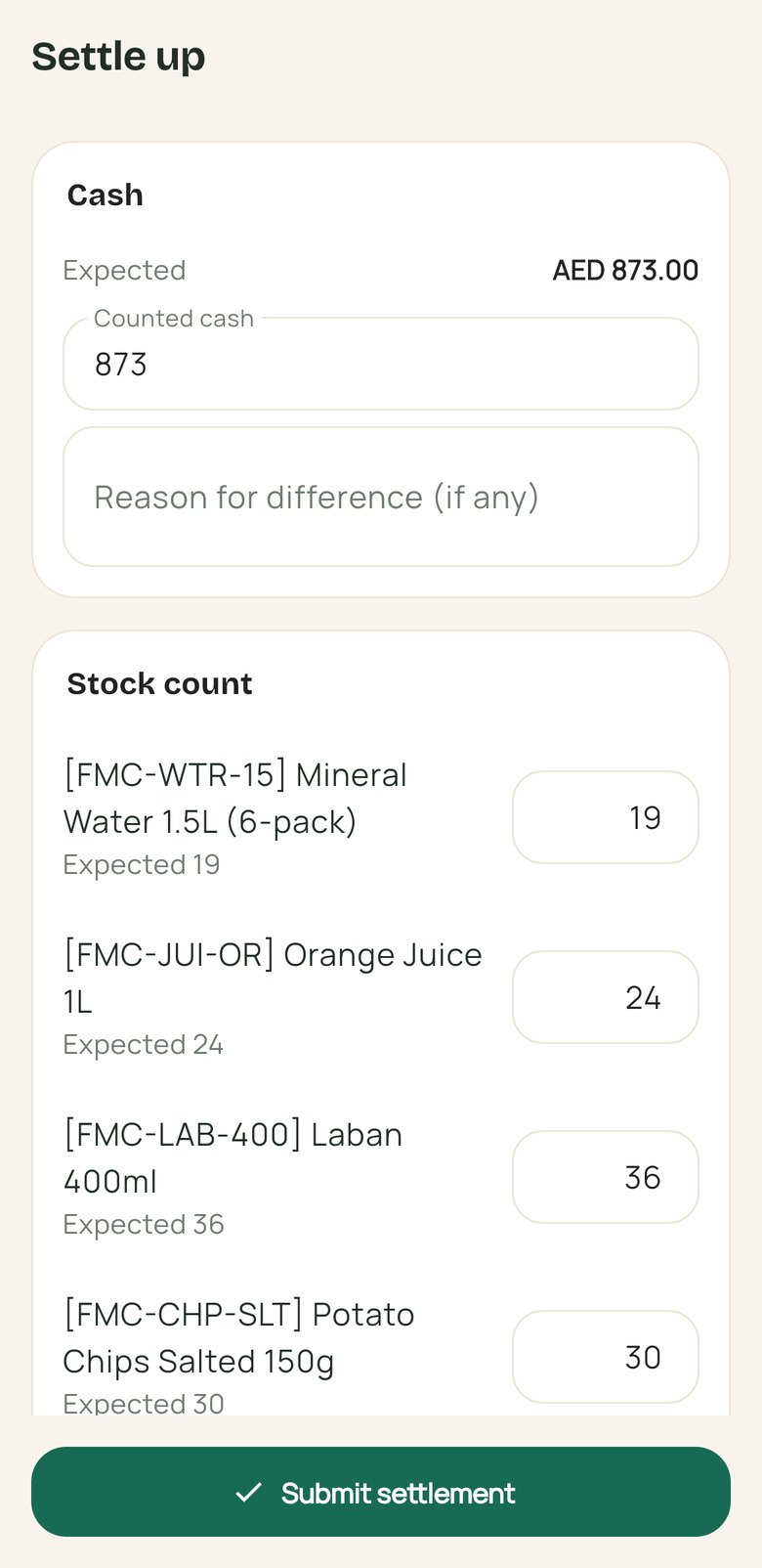
Counted cash and stock against expected at the end of the day.
New van sale with cash or credit and products on the van
New sale
Return against a van order, choosing the goods taken back
Return
End-of-day settlement with expected cash and stock count
Settlement

For every employee

Everyone with an employee record
With HR apps
Attendance
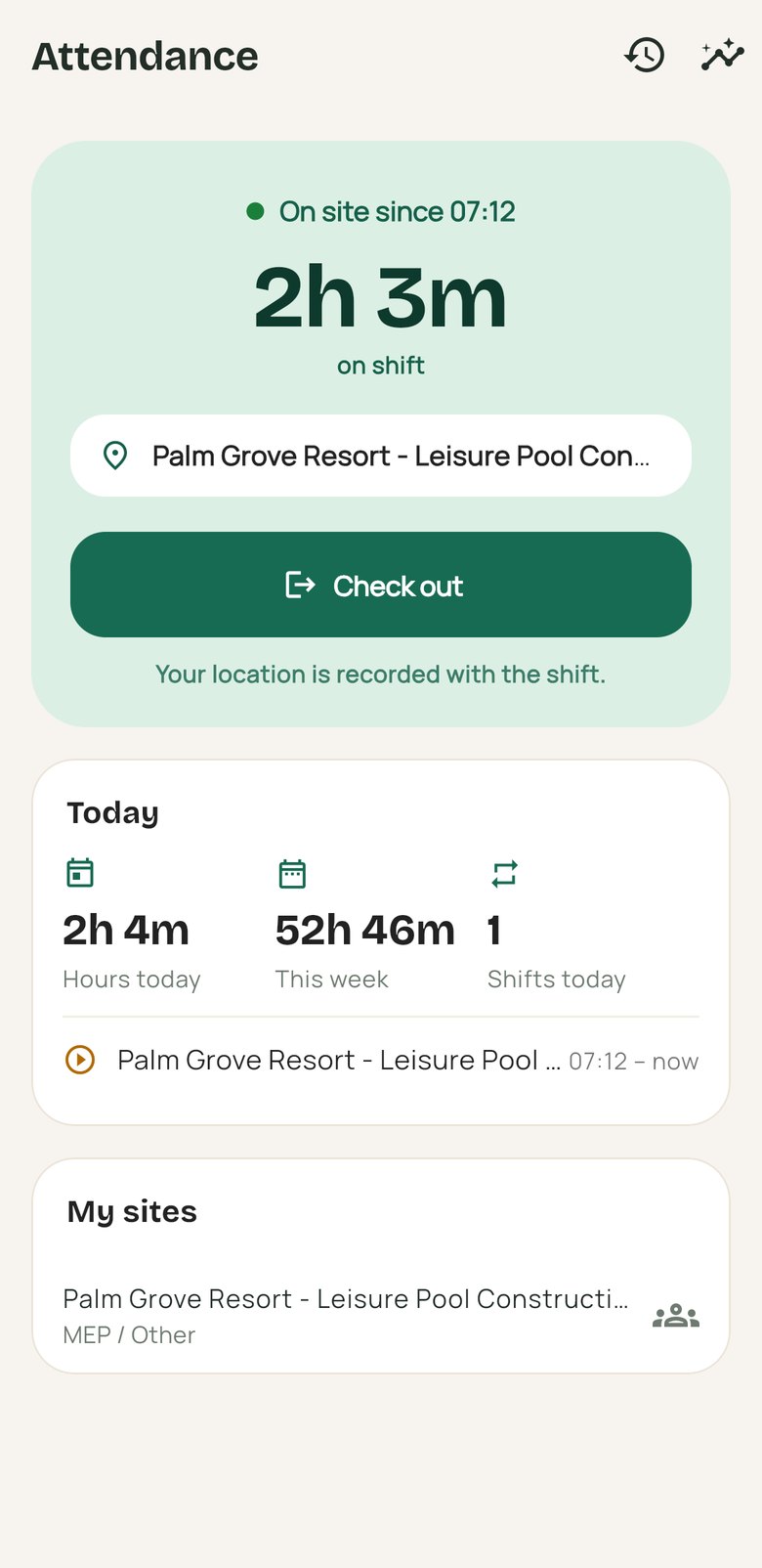
Check in and out against a site with GPS; today, this week and the month.
Time off
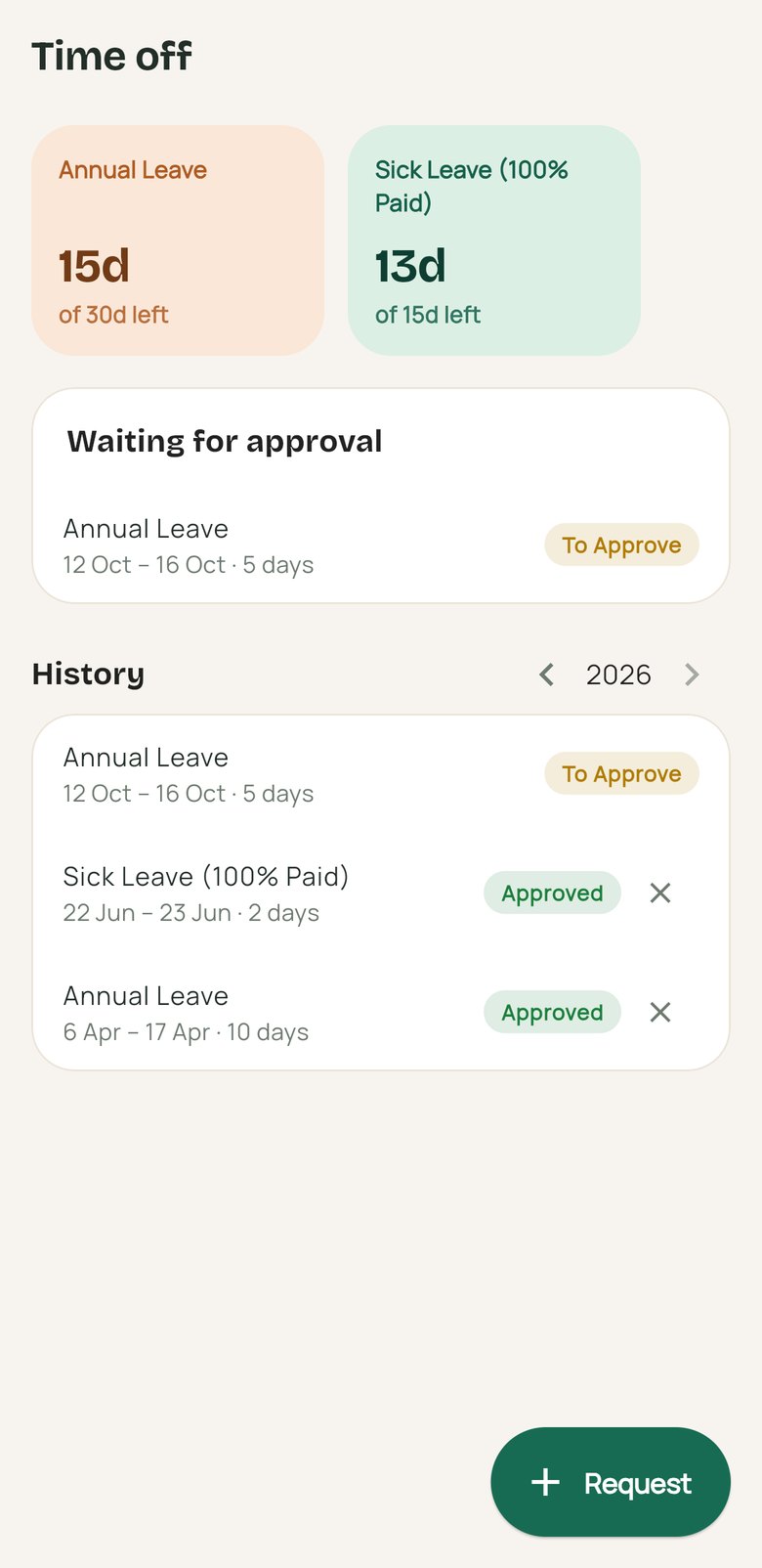
Live balance per leave type, a date range or half day, and withdraw a request.
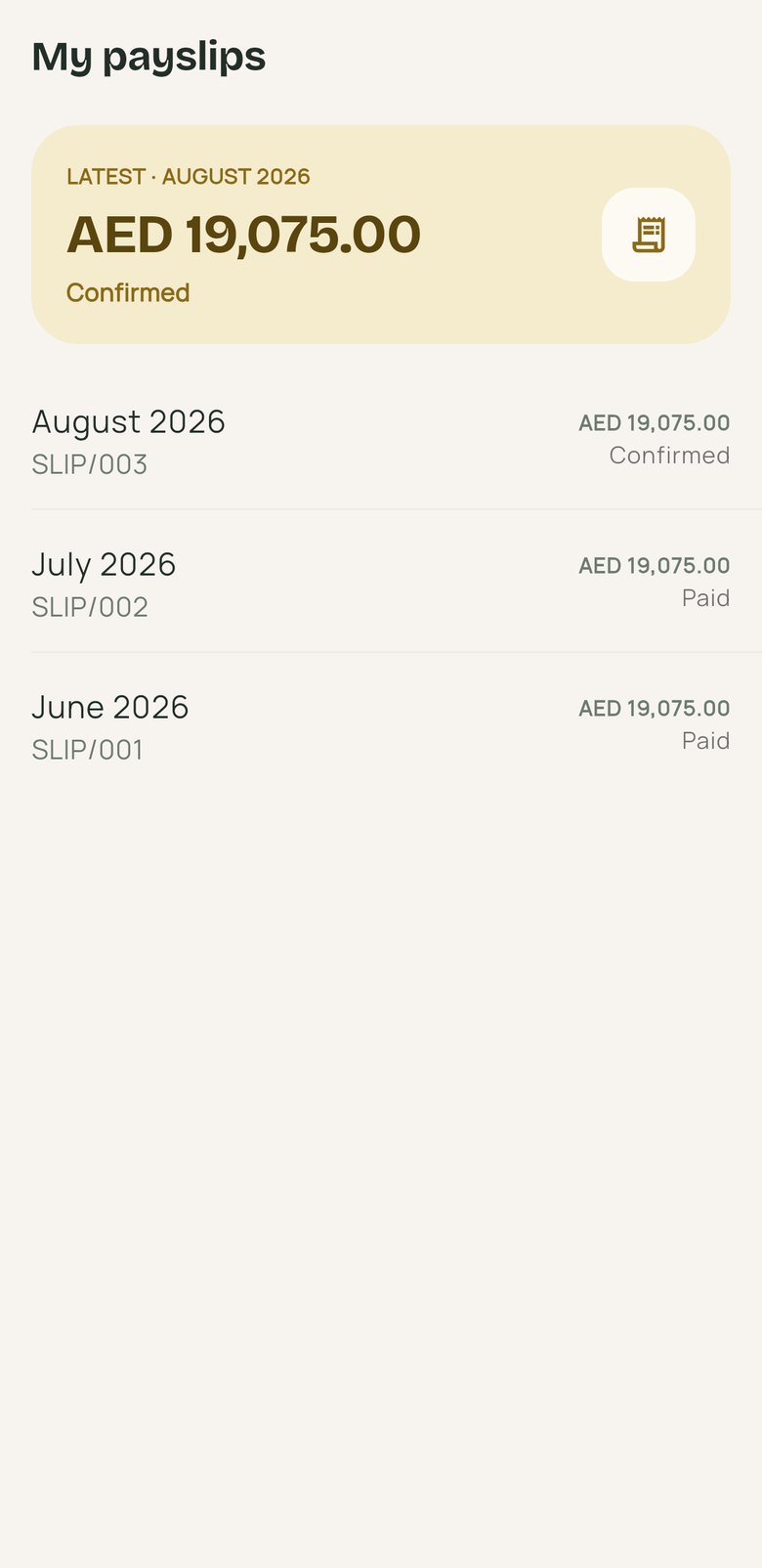
Payslips
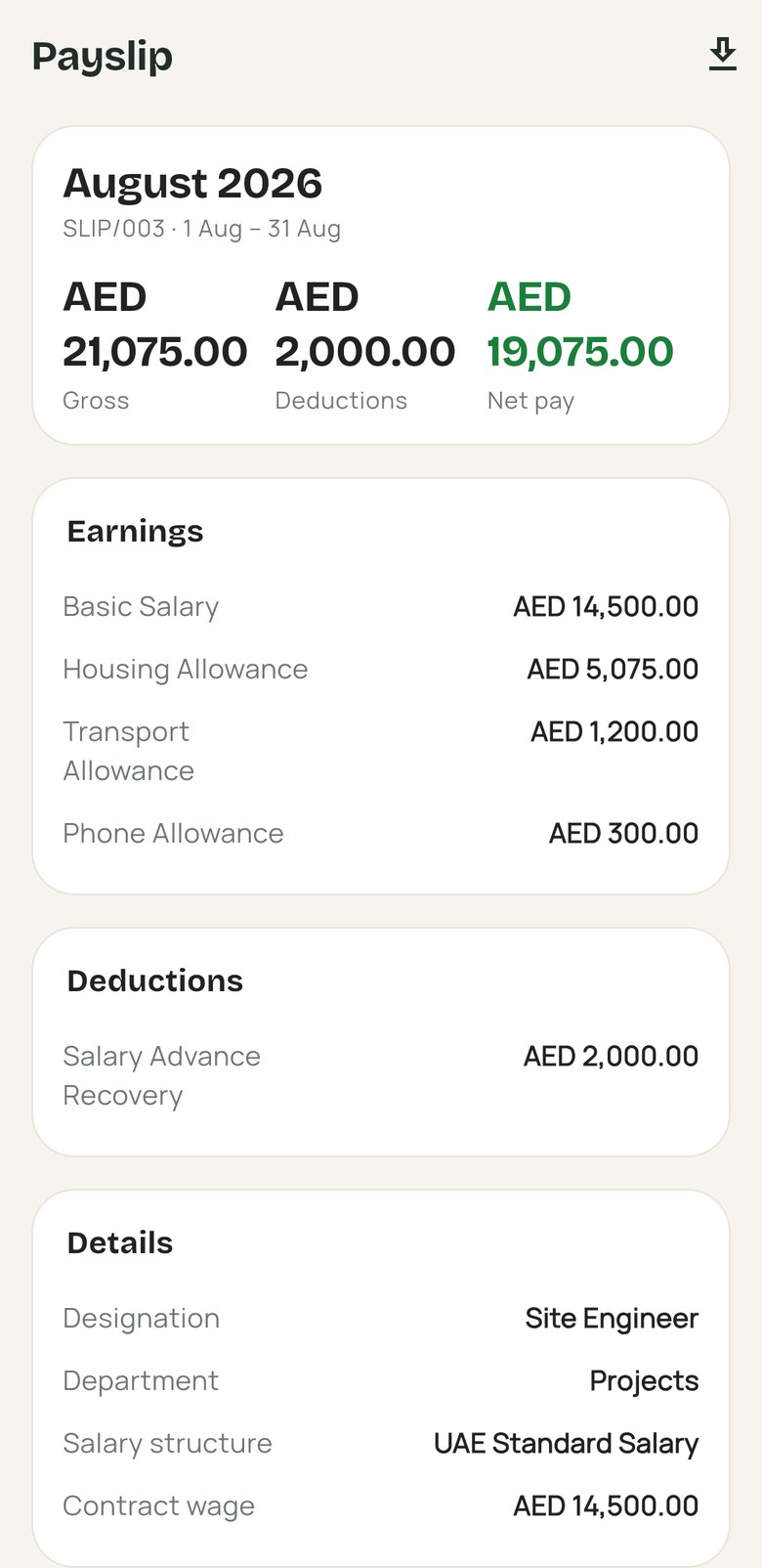
Confirmed slips by year with net pay, every line and the PDF.
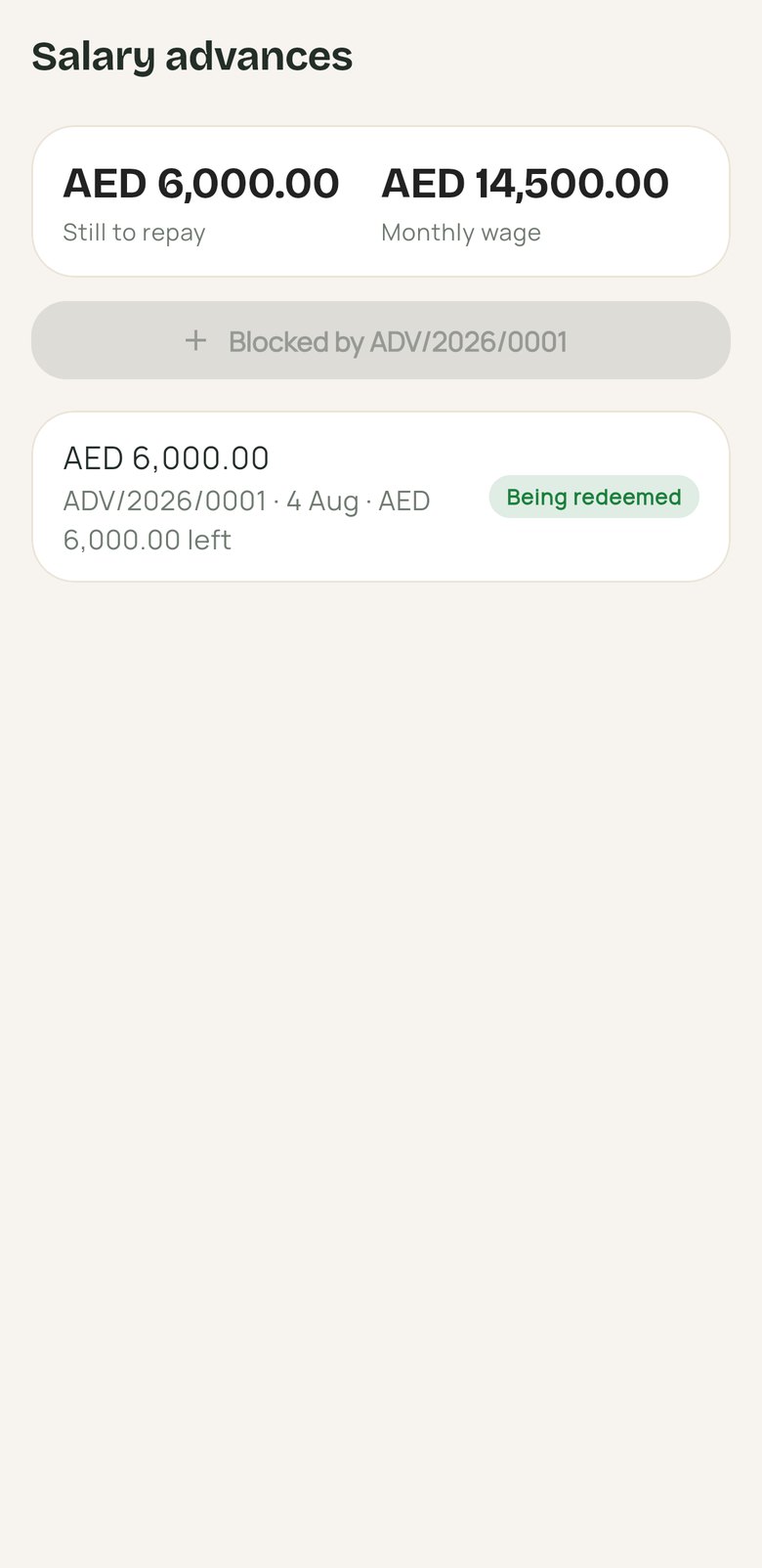
Advances & loans
Request within the wage-based cap and see what is left to repay.
Expenses
Claims raised from the phone and sent for approval.
Overtime & corrections
Claim overtime or fix a missed punch, for a manager to approve.
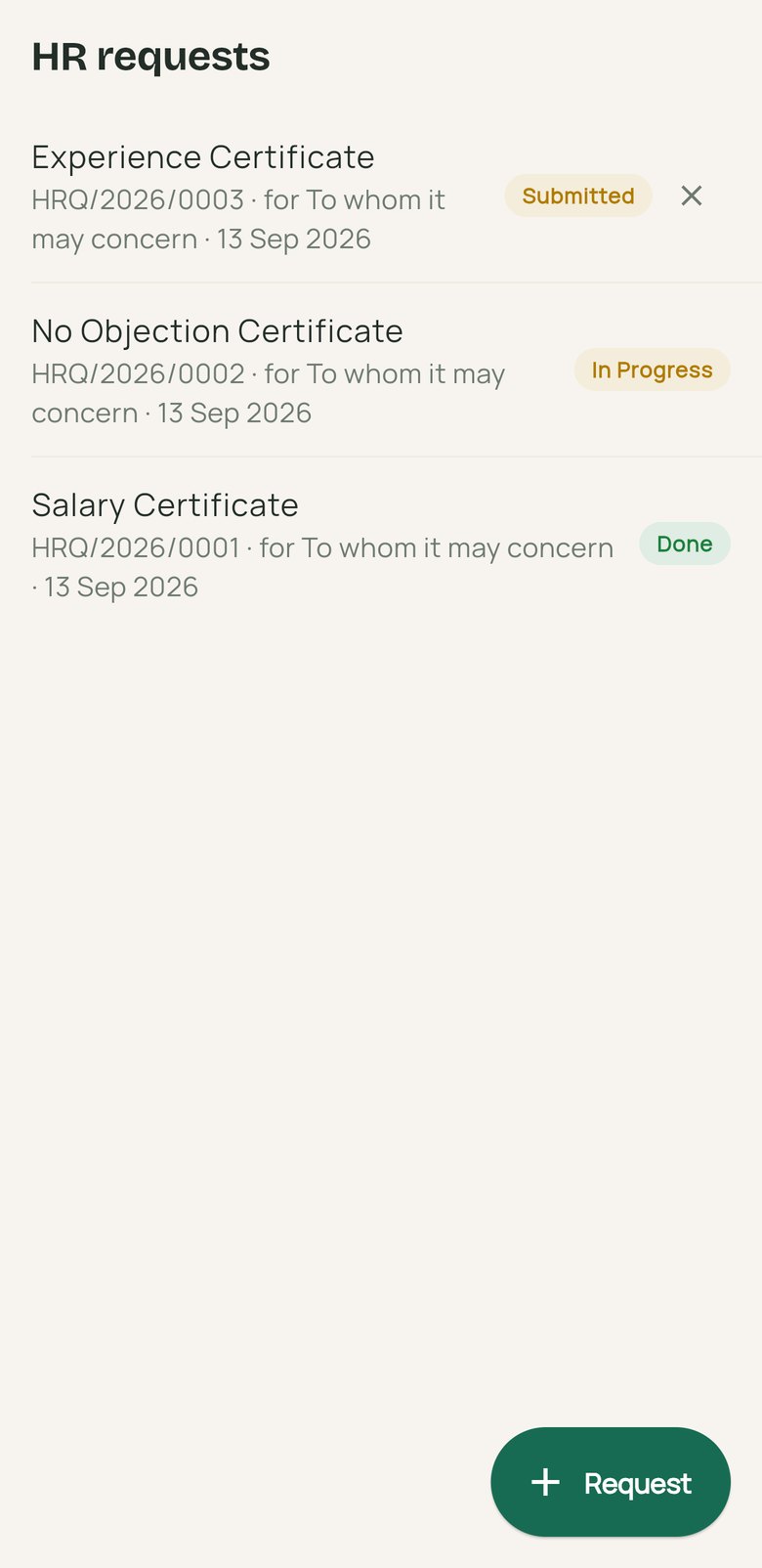
HR requests
Salary certificates, NOCs and experience letters, requested without a visit to HR.
Documents & directory
Policies and forms to download, and colleagues with their managers and reports.
Profile
The full HR record: employment, contacts, IDs and visa dates.
Attendance screen checked in on site with hours today and this week
Attendance
Leave balances, a request waiting for approval and leave history
Time off
Payslip with gross, deductions, net pay and every line
Payslip
Payslips by month with net pay and paid state
Payslips
HR letter requests with their states
HR requests
Salary advance being repaid with the amount still to repay
Advances

Approvals & alerts

Managers and approvers
Home
Clock state, what is waiting on your approval, your open requests and the shortcuts you arrange.
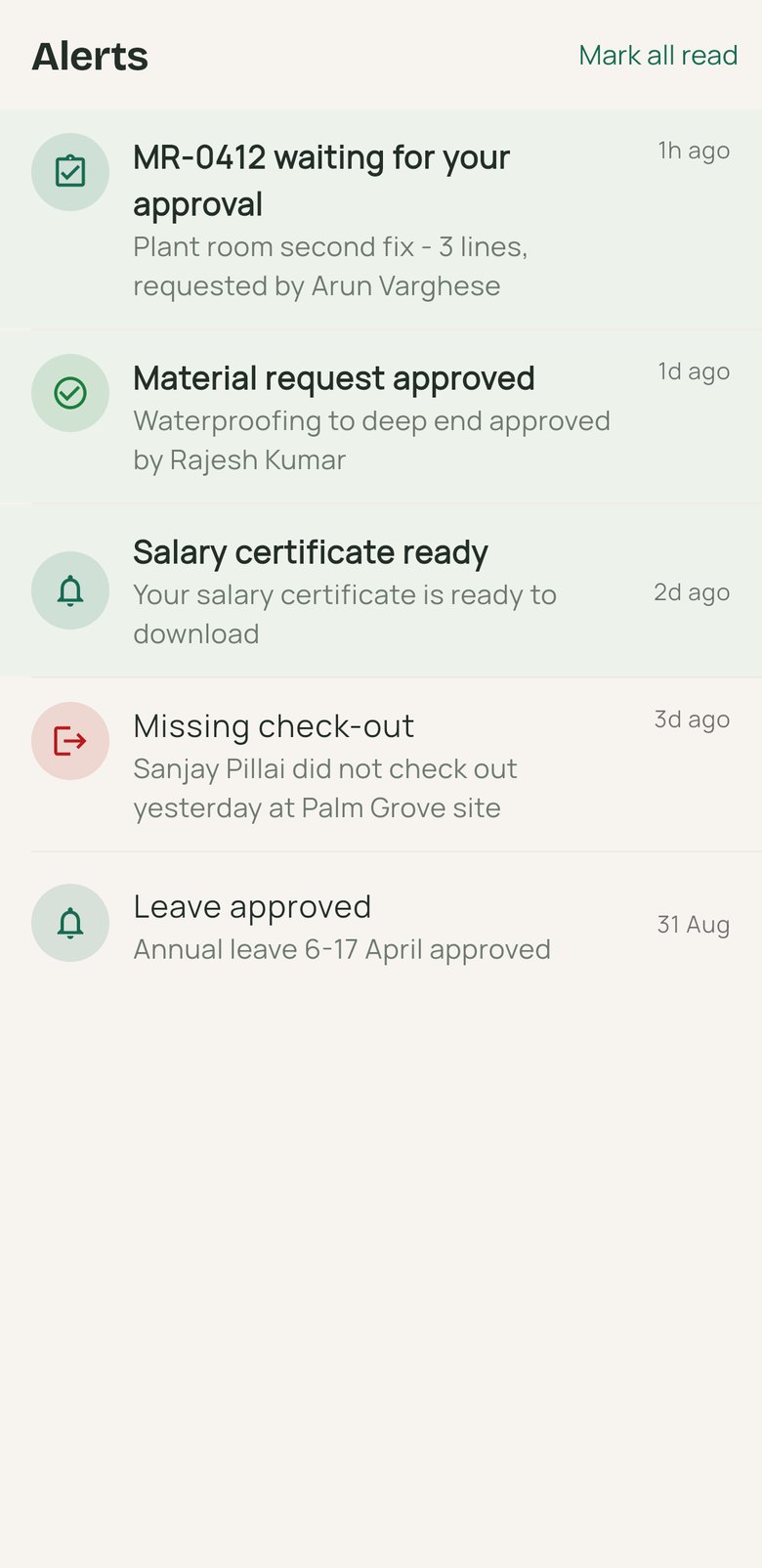
Alerts
Approvals, rejections, hand-offs and missing check-ins or check-outs.
Alerts for approvals, ready documents and missing check-outs
Alerts
Also on the phone, no install

Sales and the van day, straight from the browser.

Open Odaura Cloud on a phone and Sales becomes a touch app — quotations and orders as cards, confirm, send and invoice — and drivers get My Van Day with big buttons and barcode scanning from the camera.

About Odaura Cloud →
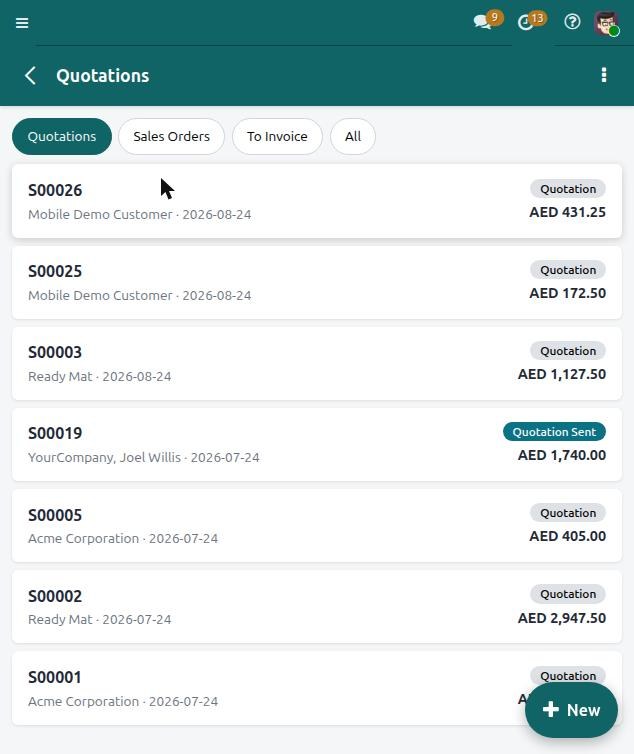
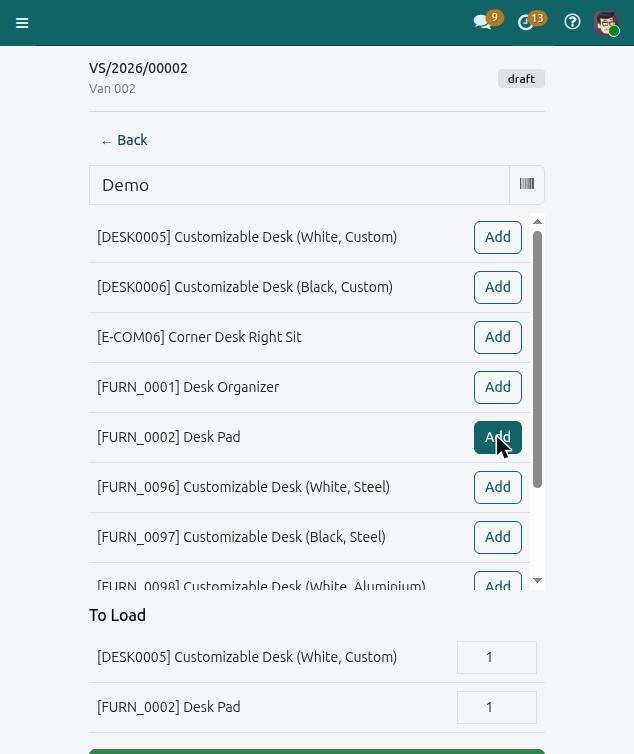
Sales on a phone in Odaura CloudMy Van Day on a phone in Odaura Cloud
Mobile apps for Odoo

Need an app for your own Odoo?

We build Odoo-connected mobile apps to order, on the same foundation as ours: an API module inside Odoo and a native app that asks the server before it decides anything.

Mobile app development →
Connects to your existing Odoo, on your server or ours
Business rules stay in Odoo and are enforced on every write
Your brand, your server address, your users
Delivery, stock counts, inspections, sales or approvals — whatever the field needs
Questions we get

Before you roll it out.

Which features will our team see?

The app follows the apps in your workspace and each person’s role. Contracting turns on the site and service screens, the HR apps turn on self service, and Van Sales turns on the route.

Can we use it with our own Odoo?

Yes, if you run Odoo 19 with our mobile modules installed — we do that as part of an implementation. The server address is set at sign-in, so one app can point at any workspace.

Is location tracked all the time?

No. Location is read when someone checks in or out, and it is optional: a refused permission still records the shift, just without coordinates. The server decides whether a check-in is inside the site’s radius.

Does it work without a connection?

It needs a connection to save, so prices, stock and approvals always come from the server. A dropped connection is shown as exactly that, instead of failing silently.

Next step

Put Odoo in your team’s pocket.

Thirty minutes. Tell us who works away from a desk — on site, on a call, on the route — and we’ll show you their day in the app.

Talk to experts

Tell us what you run.

Goes to our experts directly. No newsletter, no drip sequence — one human reply.
Prefer mail? info@odaura.in
Book a mobile app demo